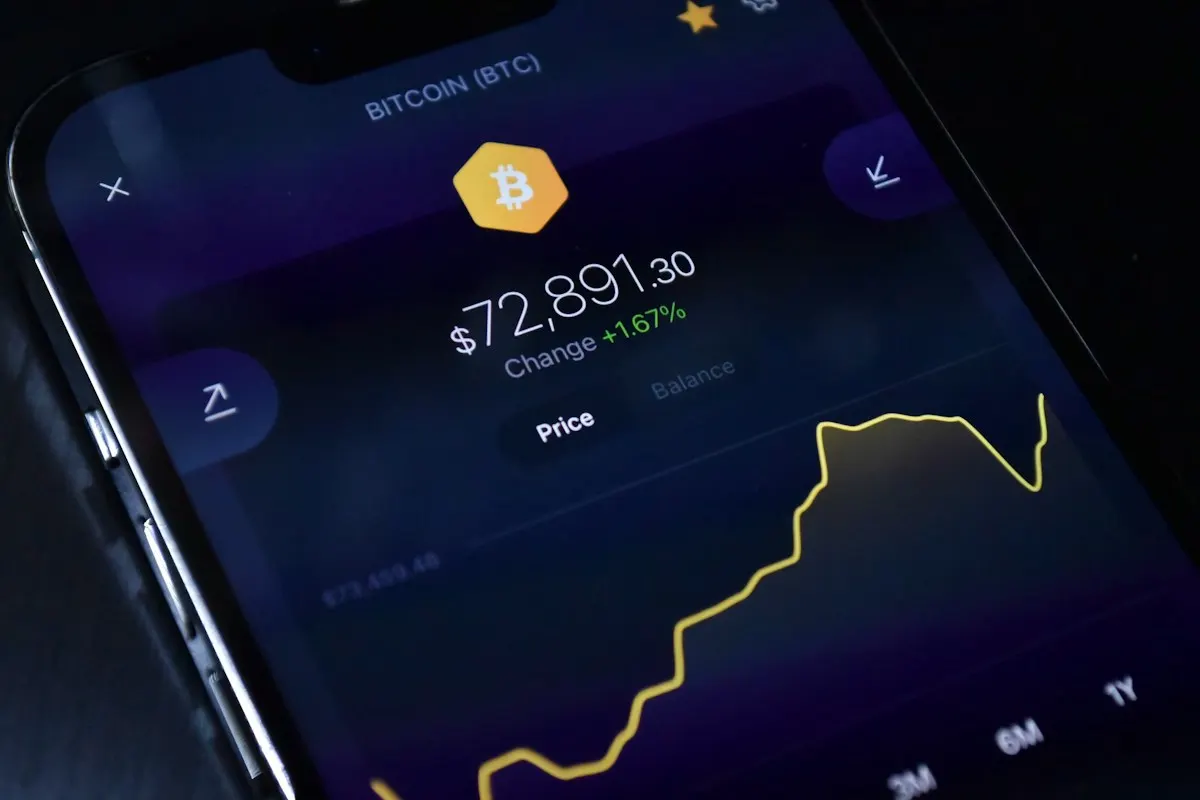
Fake Bitcoin Wallets and "Flash BTC": How a Fake Balance Is Used to Scam You (2026)
Search for "fake bitcoin wallet" and you will find two very different things: fake wallet apps that steal your recovery phrase, and "flash BTC" or "flash USDT" tools that claim to create a temporary balance. Both are scams. This guide explains how each one works, how a fake balance is used to trick you, and how to check in one minute whether a payment is real.
Looking for the general guide on clone wallet apps? Read Fake Crypto Wallets: How to Spot the Clones.
Two Kinds of "Fake Bitcoin Wallet"
| Type | What it promises | What really happens |
|---|---|---|
| Clone wallet app | A normal Bitcoin wallet | It sends your recovery phrase to the scammer, who empties the wallet |
| "Flash BTC / USDT" tool | Send or receive "temporary" coins that disappear after a while | Nothing real is created: the balance is a display trick, a worthless copy-token or a payment that never confirms |
The first steals what you have. The second is used to make you pay for something that does not exist, or to fake a payment you never receive.
How "Flash" Tools Fake a Balance
There is no such thing as temporary Bitcoin. A real BTC transaction is either confirmed on the blockchain or it is not. "Flash" tools rely on one of these tricks:
- A fake screen. The app or web panel simply displays a number. The "send" button plays an animation; nothing is broadcast to the network.
- A copy-token. For USDT or USDC, scammers create their own token with the same name and symbol, and send it to you. It appears in some wallets, but it is not the real stablecoin and cannot be sold on legitimate platforms.
- A payment that never confirms. For BTC, a transaction is sent with a very low fee so it stays pending, then replaced by another transaction that sends the same coins back to the scammer. Your "incoming payment" is dropped.
- Malware. Many "flash" apps are simply malware: once installed, they ask for accessibility, screen overlay or SMS permissions, read your screen, replace copied addresses, or ask you to "connect" your wallet with your recovery phrase.
The Scams Built on a Fake Balance
- Selling the "software". You pay a licence, an "activation" or a "gas fee" to unlock the tool. That payment is the only real money in the story, and it goes to the scammer.
- Fake payment for goods. A buyer "pays" you in BTC or USDT, shows you a screenshot or a pending transaction, and asks you to ship the goods or send change back.
- "Overpayment" refund. The scammer claims to have sent too much by mistake and asks you to refund the difference in real crypto.
- Fake investment proof. A fake balance is shown as evidence of profits to convince you to invest.
How to Check in One Minute if a Payment Is Real
- Ask for the transaction ID (TxID) — never accept a screenshot as proof.
- Paste it into an independent block explorer: mempool.space for Bitcoin, Etherscan or Tronscan for USDT depending on the network.
- Check that it is confirmed. For Bitcoin, wait for confirmations before considering the payment received; a pending transaction can still be replaced.
- Check the token contract, not just the name. For USDT or USDC, compare the contract address with the official one published by the issuer.
- Check the receiving address is exactly yours, character by character.
If the transaction cannot be found on a public explorer, or is not confirmed, it is not a payment.
Red Flags
- Software, apps or Telegram bots that promise to "flash", "generate" or "multiply" crypto.
- Any request to pay a fee to "unlock", "release" or "activate" a balance.
- A buyer who insists on a screenshot instead of a transaction ID, or pressures you to ship quickly.
- An app asking for accessibility, overlay or SMS permissions, or for your recovery phrase.
- A wallet that "shows" a balance you cannot find on a block explorer.
What a Genuine Wallet Does
A genuine wallet only shows what is on the blockchain. It has no "flash" mode and cannot create coins. It never asks you to send your recovery phrase anywhere. Lumina Wallet works the same way: it does not offer any feature to create temporary crypto, and nobody from Lumina will ask for your recovery phrase.
To make sure the wallet app you install is the real one, follow our checklist How to Check if a Crypto Wallet App Is Real.
If You Already Installed a "Flash" App
Consider the device compromised:
- Uninstall the app and stop any payment to the seller.
- On a device you trust, install a genuine wallet from the official source and create a new wallet with a new recovery phrase.
- Move your funds to the new wallet.
- Revoke suspicious token approvals linked to your old addresses.
- If you lost money, follow what you can actually do after your crypto is stolen — and ignore anyone offering paid "recovery".
FAQ
Is flash BTC real?
No. There is no technical way to create temporary Bitcoin. Anything sold as "flash BTC" is a fake display, a payment that never confirms, or malware.
Can I receive flash USDT in my wallet?
You may see a token called USDT, but if it is a copy-token from another contract, it has no value. Check the contract address against the issuer's official one.
Is it legal to use flash software?
Using a fake balance to pay someone is fraud. And in practice, the person buying the software is usually the first victim.
How do I know if a fake bitcoin wallet app is on my phone?
Check where it came from (official store, official website link), the publisher, and the permissions it asks for. If in doubt, move your funds to a new wallet created in a genuine app.
Conclusion
A fake balance is just a number on a screen. The only proof of a payment is a confirmed transaction on a public block explorer, with the right token contract and your exact address. Never pay to "unlock" crypto, never accept a screenshot as proof, and never give your recovery phrase to an app or a person.
Ready to secure your crypto?
Download Lumina Wallet and take total control of your digital assets securely.